
The slideshow runs during the celebration
Every photo goes straight back into the room while the party is on. That’s the point at which guests start taking photos on purpose.
Wedding
A QR code on the menu, and eighty guest cameras fill one shared album — from the drinks reception to the last round on the dance floor, in original quality.
Pay once, no subscription · no trackers
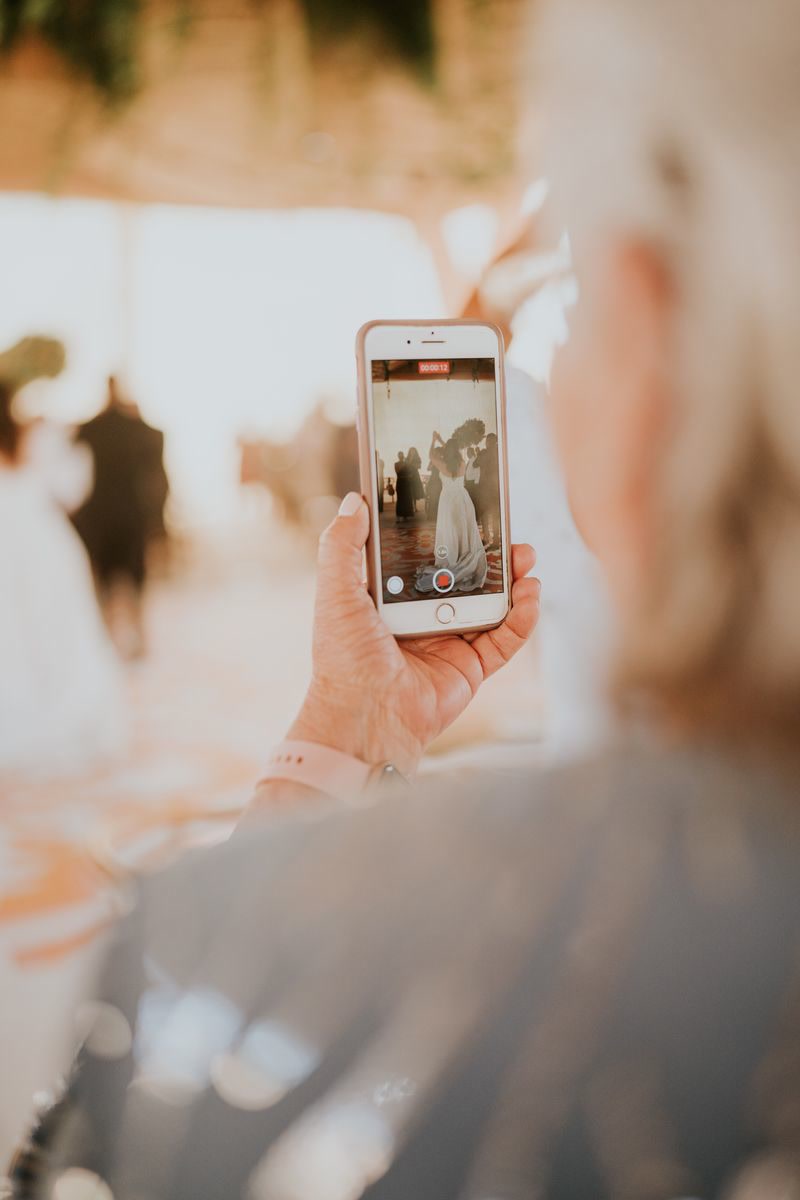
The table where the story is being told. The moment grandma dances again. The hour after midnight. Those photos exist — they’re sitting on eighty phones, and that’s where they stay.
Migumento brings them to one place: create the album, put the QR code on the table cards, done. Every guest uploads what they’ve taken anyway — at full resolution. Whoever has the link is in.
Title, date, palette — that’s all it takes. The guest link and QR code are there straight away.
Table cards and stands come from Manage: 23 templates, 10 cards at 85 × 54 mm per A4 sheet, printed from the browser.
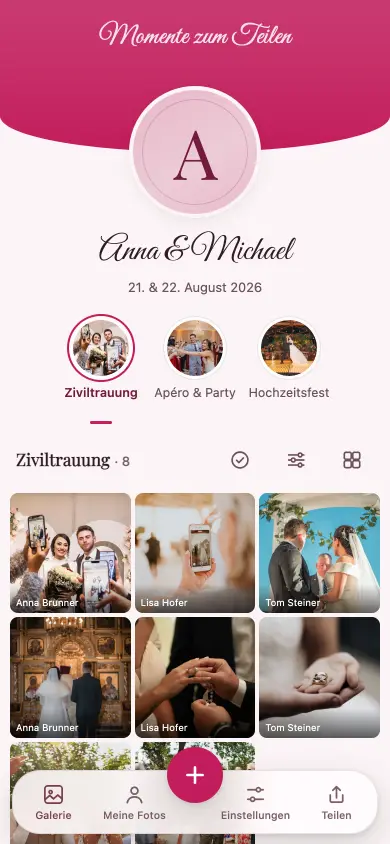
The album opens in the browser. With the first photo we ask for a first name — nothing else.
Everyone sees everything, straight away. The same collection runs as a slideshow on the projector; after the celebration you download the originals.
Every photo goes straight back into the room while the party is on. That’s the point at which guests start taking photos on purpose.
A photo up to 50 MB, a video up to 1 GB, nothing gets scaled down — guest photos end up next to the professional ones.
Civil ceremony, drinks reception, party. Photos order themselves by the time they were taken, including the ones from Sunday afternoon.
Open the link, take photos, done — nothing to install, no account. The Live Wall runs as its own link on any projector, and an upload interrupted by poor signal carries on by itself. A QR code on the table card, a first name with the first photo — nobody is ever asked for more.

Managing runs on a second, separate link: the guest link does the rounds, control stays with you.
12 tasks are already ticked the moment you open ‘Photo tasks’ in Manage — unticking, rewording or adding your own takes one tap.
The full catalogue — 450 tasks for 9 occasions.
All guests, all photos, videos included, 6 months online — and you download the originals free up to 500 MB. You pay once, only for everything above that and for 24 months of online time. No subscription.
One-off per event, no subscription, in Swiss francs. A paid event stays reachable for 24 months from the unlock, never shorter than the free window of 6 months from the day you create the event. If it’s not right, you get your money back within 60 days — Terms and conditions.
No. Scanning the QR code or opening the link is enough; the album runs in the browser — on iPhone, Android, tablets and computers.
Yes. In Manage mode you can hide any item — reversibly — or delete it altogether.
Free for 6 months from the day you create the event. Unlocked: 24 months from the unlock (the day of payment); if the free window — 6 months from the day you create the event — runs longer, the later date applies. Collecting is free, so the best time to unlock is after the celebration.
Setting it up takes two minutes and costs nothing. You decide after the celebration whether you want the originals.