
Upload days later, too
Nobody has to sort photos in the hotel at night. Whoever only gets round to it after the trip uploads then.
Group trip
One album per leg, one link for everyone: you see what the others got up to the same evening — and whoever only uploads back home still lands on the right day.
Pay once, no subscription · no trackers
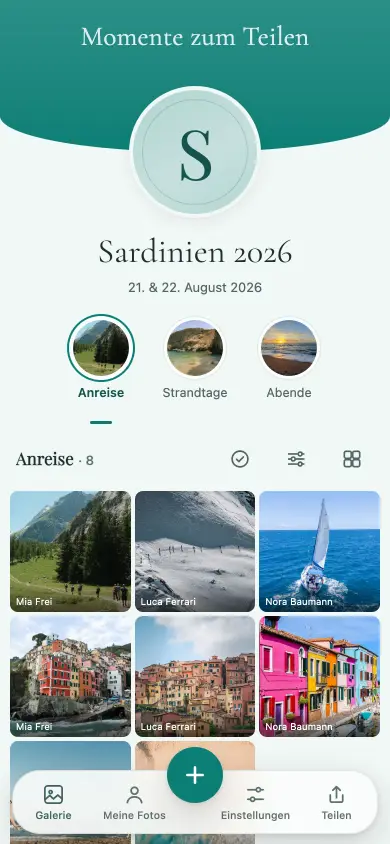
Twelve people, six days, five thousand photos on twelve phones. Merging them afterwards means weeks of forwarding one by one, of ‘can you send me that again in full size’, and the photo that never arrives. Often there isn’t even a shared group chat.
An album is built for exactly this: one link everyone gets, one shared place for all the days.
Title, date, palette. Share the link in the travel group chat or send it individually — nobody needs an account.
In the hotel at night, on the train home or three days later on the sofa. There’s no deadline that would make a photo ‘too late’.
After the trip you download the originals in one go instead of scrolling through twelve chats.
Nobody has to sort photos in the hotel at night. Whoever only gets round to it after the trip uploads then.
A photo up to 50 MB, a video up to 1 GB — both arrive exactly as they were taken.
One per day or per leg; items can be moved afterwards.
Open the link, take photos, done — nothing to install, no account. The Live Wall runs as its own link on any projector, and an upload interrupted by poor signal carries on by itself. Selected uploads sit on the device, file included — even a closed tab doesn’t start from scratch.
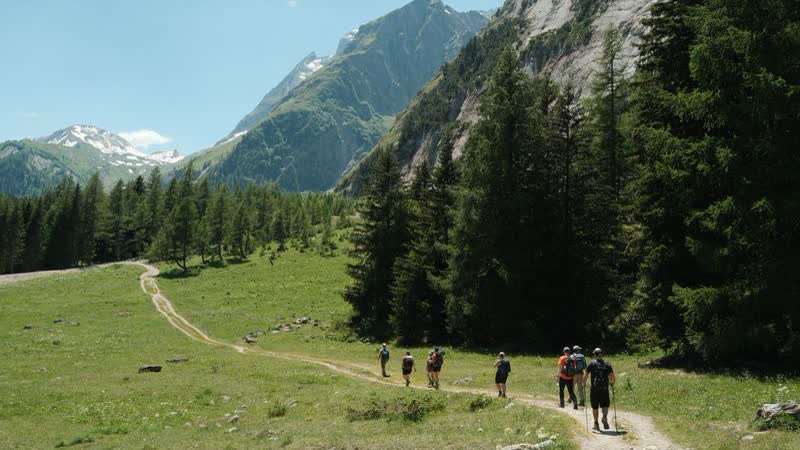
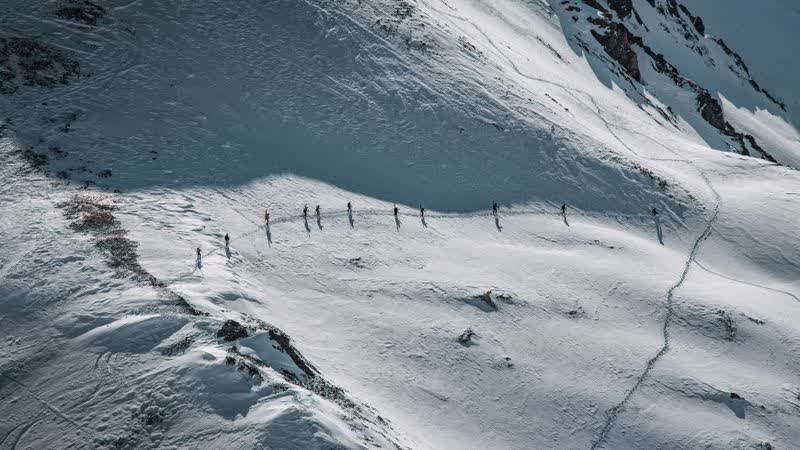
10 tasks are already ticked the moment you open ‘Photo tasks’ in Manage — unticking, rewording or adding your own takes one tap.
The full catalogue — 450 tasks for 9 occasions.
All guests, all photos, videos included, 6 months online — and you download the originals free up to 500 MB. You pay once, only for everything above that and for 24 months of online time. No subscription.
One-off per event, no subscription, in Swiss francs. A paid event stays reachable for 24 months from the unlock, never shorter than the free window of 6 months from the day you create the event. If it’s not right, you get your money back within 60 days — Terms and conditions.
Yes, for as long as the album is reachable. There’s no deadline after which an upload would be refused.
No, the link is enough. With the first upload we ask for a first name, so the group can see who a photo is from.
Free for 6 months from the day you create the event; unlocked, 24 months from the unlock — never shorter than the free window. After that it’s locked, not automatically deleted.
In the original files, yes — if the camera app writes the location, it stays in them. The website itself never displays a place.
Then the link is already in the travel group chat before the first photo is taken.