
The slideshow runs during the celebration
Every photo goes straight back into the room while the party is on. That’s the point at which guests start taking photos on purpose.
Wedding
A QR code on every table, and eighty guest phones fill one album — no app, no account, in original quality.
Set up in two minutes, QR code included — even for this weekend.
Free, no subscription. Beyond 400 MB, one-off plans from $23.
Album ‘’ is ready
One more step: confirm your email The confirmation link is on its way to you — along with both your links. Once you’ve confirmed, your event stays, and a lost Manage link can be replaced.
Link for your guests
The table where the story is being told. The moment grandma dances again. The hour after midnight. Those photos exist — they’re sitting on eighty phones, and that’s where they stay.
Migumento brings them to one place: create the album, put the QR code on the table cards, done. Every guest uploads what they’ve taken anyway — at full resolution. Whoever has the link is in.
Title, date, palette — that’s all it takes. The guest link and QR code are there straight away.
The table cards come from Manage: 23 templates, 10 cards at 85 × 54 mm per A4 sheet, printed from the browser.
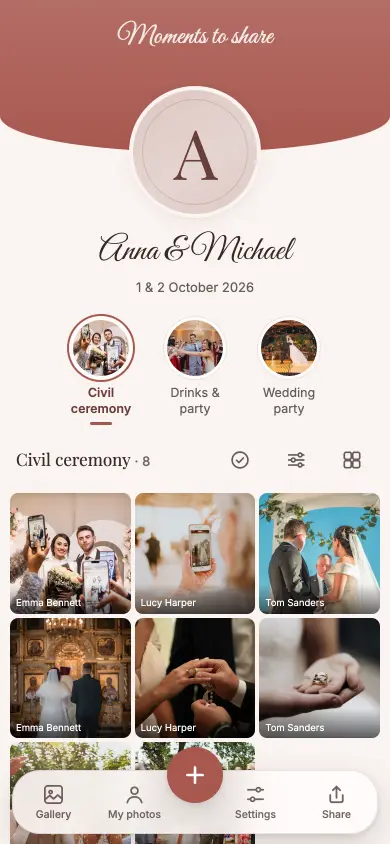
The album opens in the browser. With the first photo we ask for a first name — nothing else.
Everyone sees everything, straight away. The same collection runs as a slideshow on the projector; after the celebration you download the originals.
Every photo goes straight back into the room while the party is on. That’s the point at which guests start taking photos on purpose.
A photo up to 50 MB, a video up to 1 GB, nothing gets scaled down — guest photos end up next to the professional ones.
Civil ceremony, first drinks, party. Photos order themselves by the time they were taken, including the ones from Sunday afternoon.
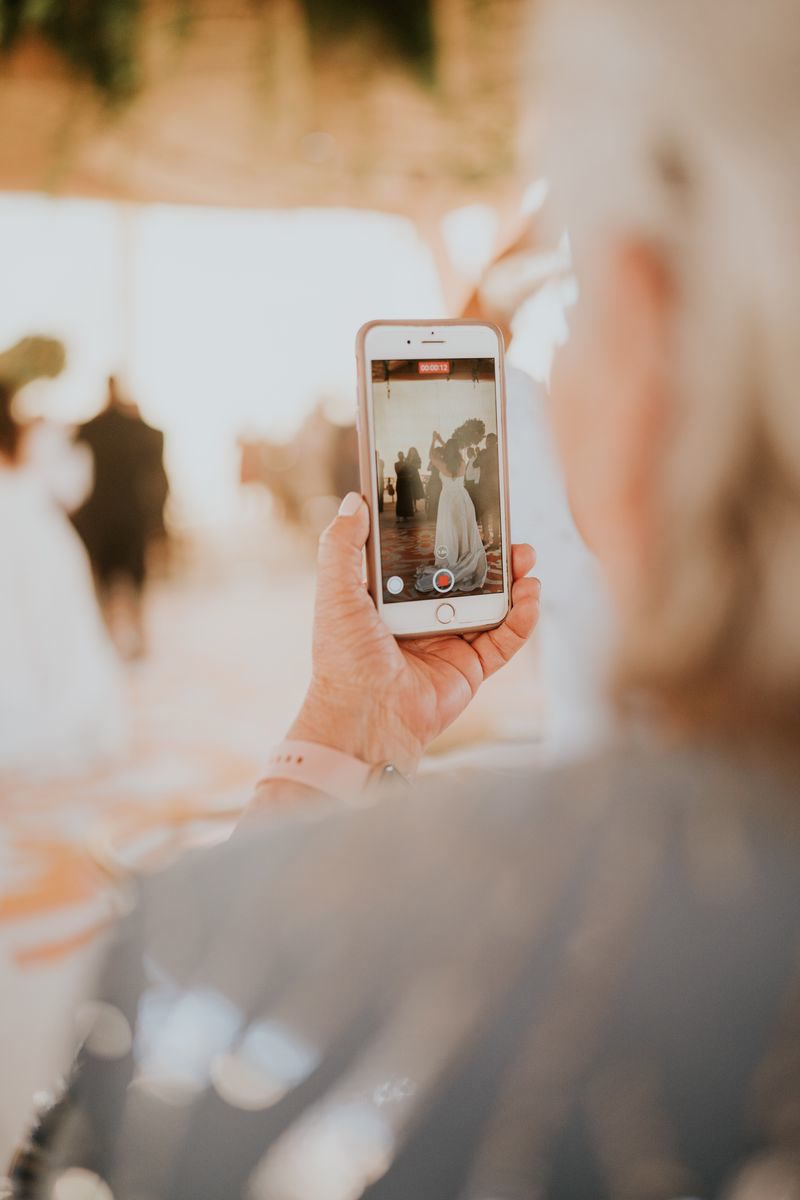
Open the link, take photos, done — nothing to install, no account. The Live Wall runs as its own link on any projector, and an upload interrupted by poor signal carries on by itself. A QR code on the table card, a first name with the first photo — nobody is ever asked for more.

Manage runs on a second, separate link: the guest link gets passed around, control stays with you.
For example, these:
The full catalogue — 450 tasks for 9 occasions.
The free plan is not a trial run: all guests, all photos, all videos, the Live Wall — and up to 400 MB of event size you download the originals too, for 6 months. For bigger celebrations there are one-off plans with 12 or 24 months from the unlock. No subscription.
For every event
For the small, lovely moments.
$0
free, no subscription
For special occasions
Special days deserve more room.
$23
one-off, per event
Our recommendation
For your big day. And every moment of it.
$60
one-off, per event
Every plan has every feature. Collect, share and enjoy it together.
Prices in USD. Outside this currency area, Stripe converts at checkout using the day’s rate. A paid event stays reachable for 12 or 24 months from the unlock, depending on the plan, never shorter than the free window of 6 months from the day you create the event. Extending gives you the plan’s months again, as often as you like. If it’s not right, you get your money back within 60 days — Terms and conditions.
No. Scanning the QR code or opening the link is enough; the album runs in the browser — on iPhone, Android, tablets and computers.
Yes. In Manage mode you can hide any item — reversibly — or delete it altogether.
Free for 6 months from the day you create the event. Unlocked: 12 or 24 months from the unlock (the day of payment), depending on the plan; if the free window — 6 months from the day you create the event — runs longer, the later date applies. Extending gives the plan’s months again from the day of the extension, as often as you like. Collecting is free, so the best time to unlock is after the celebration.
The album appears in whichever language a guest’s phone asks for — Deutsch, English, Français, Italiano, Español. Switching is possible at any time, and the photos are the same either way.
You don’t — it’s there as soon as the album exists, together with the guest link. In Manage you print it on table cards: 23 templates in your album’s colours, ten cards per A4 sheet, straight from the browser.
Scan the QR code or open the link, then tap the plus and choose photos or videos from the camera roll. With the first photo we ask for a first name — no app, no account, no password.
Under ‘Export photos’: download everything as a ZIP, copy it straight into your own Google Photos or Google Drive, or save it to Apple Photos — the iPhone app creates an album in Photos, Safari hands over the originals through the share sheet, and iCloud syncs from there. Every route in real screens: <a href="/fotos-exportieren">Export photos</a>. Up to 400 MB of event size this costs nothing; above that, a one-off plan.
Setting it up takes two minutes and costs nothing. You decide after the celebration whether you want the originals.