
No accounts and no phone numbers
Neither children nor parents create an account — nothing that lives on after the camp.
School & camp
One link the teacher hands out and moderates: no accounts, no group chat where private numbers become visible.
Set up in two minutes, QR code included — even for this weekend.
Free, no subscription. Beyond 400 MB, one-off plans from CHF 19.–.
Album ‘’ is ready
One more step: confirm your email The confirmation link is on its way to you — along with both your links. Once you’ve confirmed, your event stays, and a lost Manage link can be replaced.
Link for your guests
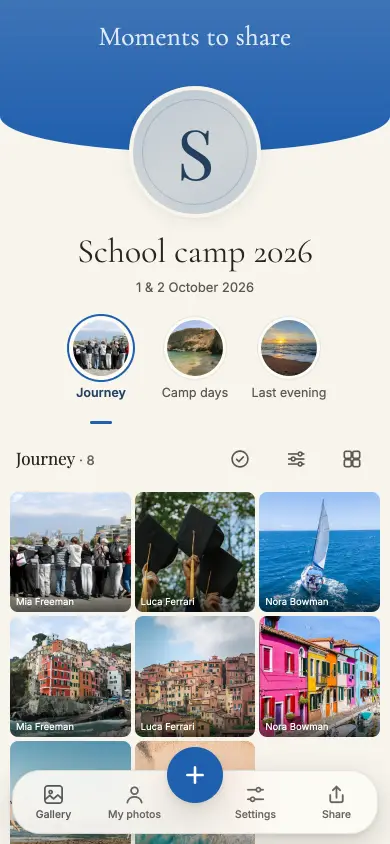
Camp photos end up in the existing parents’ WhatsApp group, and that is exactly the wrong place for them: the group is privately run, everyone’s phone numbers are visible in it, and the teacher carries the responsibility for photos of other people’s children in a channel they don’t control.
An album moves that to a place the school controls: no account, no phone number, no group. The teacher hands out the link, hides any item — reversibly — or deletes it, and switches off reactions and comments if they’re not wanted.
First, parental consent following your school’s procedure. Then the teacher creates the album.
The guest link goes to the circle that’s allowed to upload and view. It’s long and unguessable.
The table cards come from Manage: 23 templates, 10 cards at 85 × 54 mm per A4 sheet, printed from the browser.
At the end you download everything — or you let the album expire.
Neither children nor parents create an account — nothing that lives on after the camp.
Long, unguessable, not indexed by search engines. Anyone who wasn’t given it finds nothing.
Open the link, take photos, done — nothing to install, no account. The Live Wall runs as its own link on any projector, and an upload interrupted by poor signal carries on by itself. Even from a valley with one bar of signal.
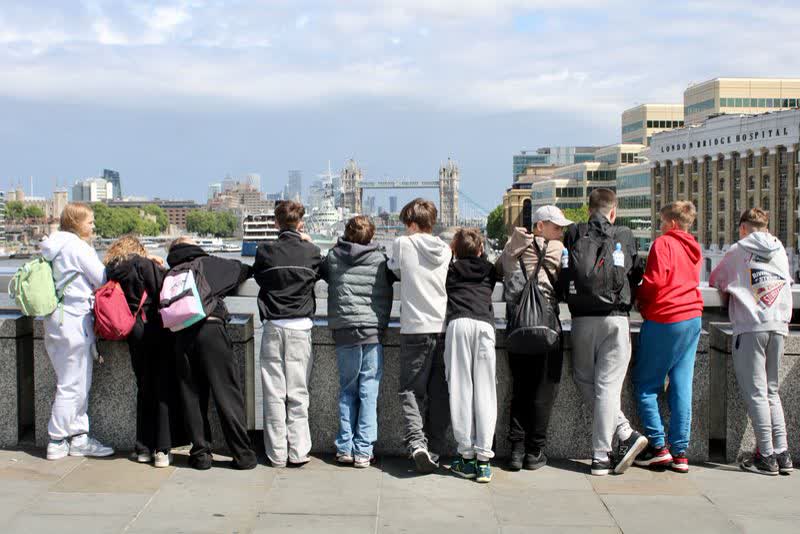

The free plan is not a trial run: all guests, all photos, all videos, the Live Wall — and up to 400 MB of event size you download the originals too, for 6 months. For bigger celebrations there are one-off plans with 12 or 24 months from the unlock. No subscription.
For every event
For the small, lovely moments.
CHF 0.–
free, no subscription
For special occasions
Special days deserve more room.
CHF 19.–
one-off, per event
Our recommendation
For your big day. And every moment of it.
CHF 49.–
one-off, per event
Every plan has every feature. Collect, share and enjoy it together.
Prices in CHF. Outside this currency area, Stripe converts at checkout using the day’s rate. A paid event stays reachable for 12 or 24 months from the unlock, depending on the plan, never shorter than the free window of 6 months from the day you create the event. Extending gives you the plan’s months again, as often as you like. If it’s not right, you get your money back within 60 days — Terms and conditions.
The parents’ consent, gathered the way your school’s procedure says. The teacher can hide or delete any item afterwards.
No. No account, no password, no app — just a first name with the first upload.
Free for 6 months from the day you create the event; unlocked, 12 or 24 months from the unlock, depending on the plan — never shorter than the free window. You can download beforehand and have it deleted afterwards.
Creating the album costs nothing. Consent first, then the link.