
In original quality
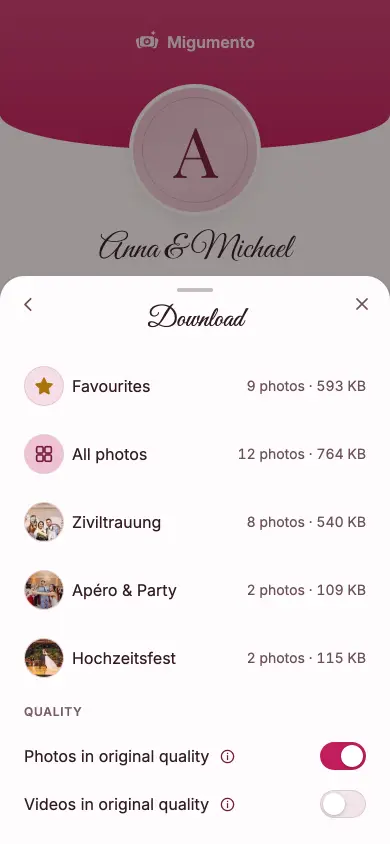
Photos and videos at full size, not the WhatsApp version. Apple Photos and Google Photos always take the original; for ZIP and Google Drive you can switch.
Export photos
You pick the destination, Migumento delivers the originals — for hosts and guests alike.
Free, no subscription
Tap a destination — the route appears below, screen by screen.
The Migumento app for iPhone saves a whole album to Photos — iCloud syncs it from there.
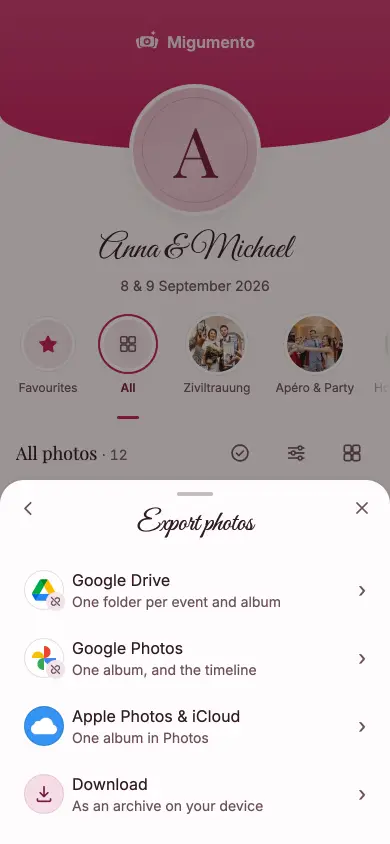
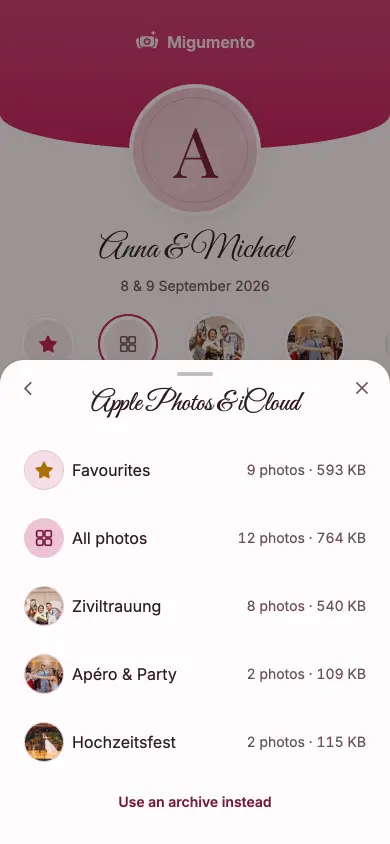
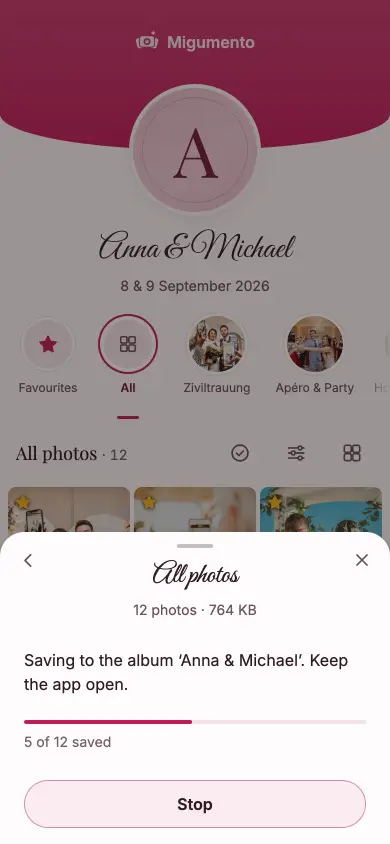
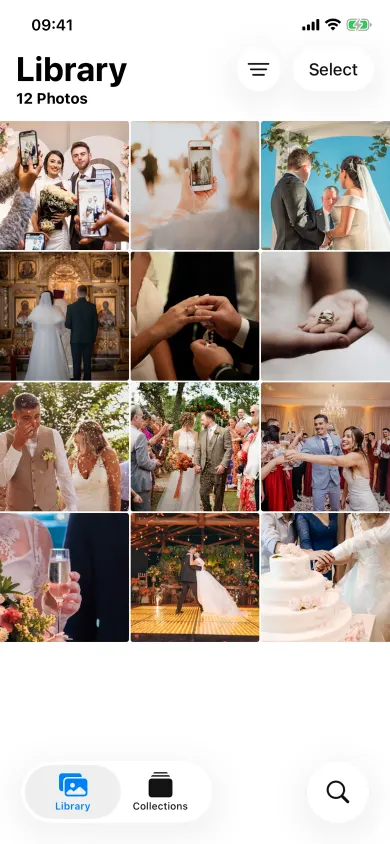
What it looks like afterwards
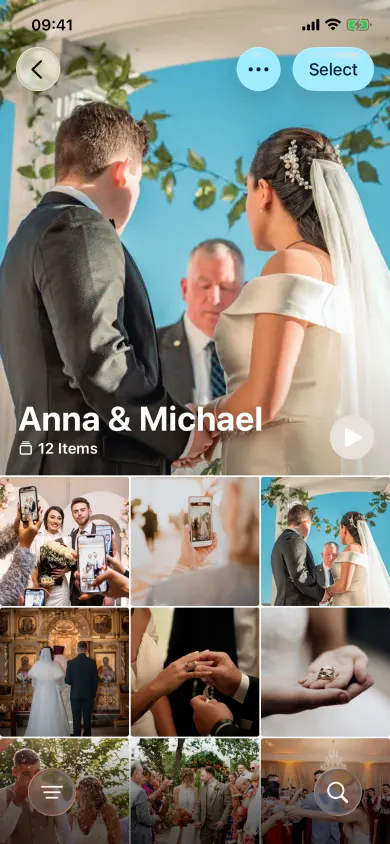
In Safari, the share sheet takes the originals in parts — iCloud syncs them from there.
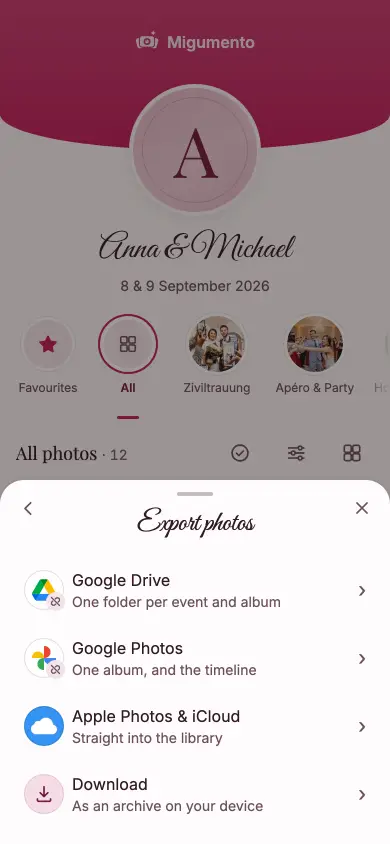
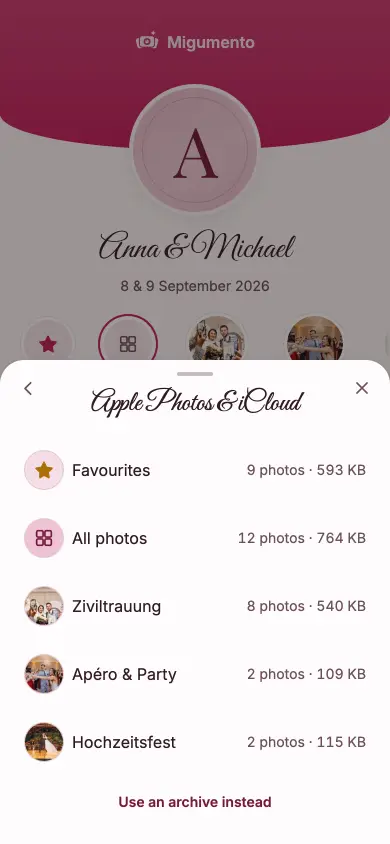
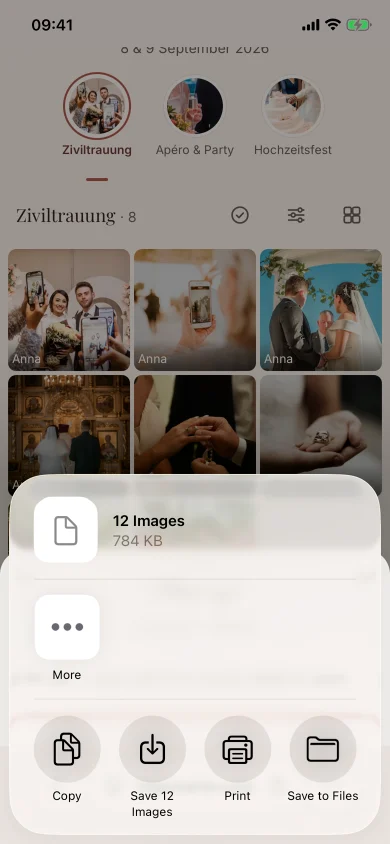
What it looks like afterwards
Connect your Google account once — the export runs on our server, even if you close the page.
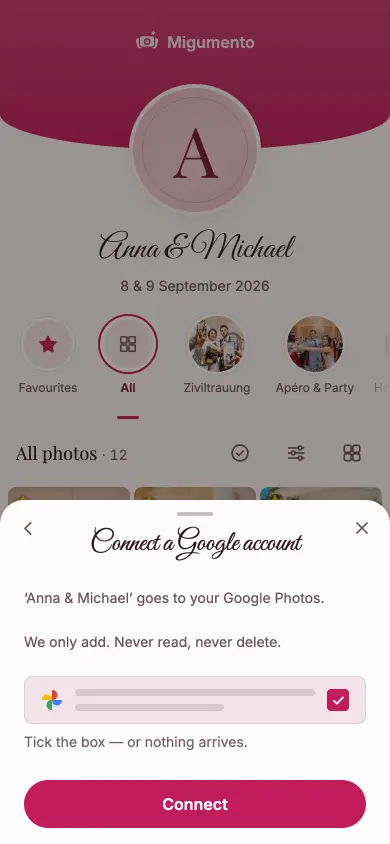
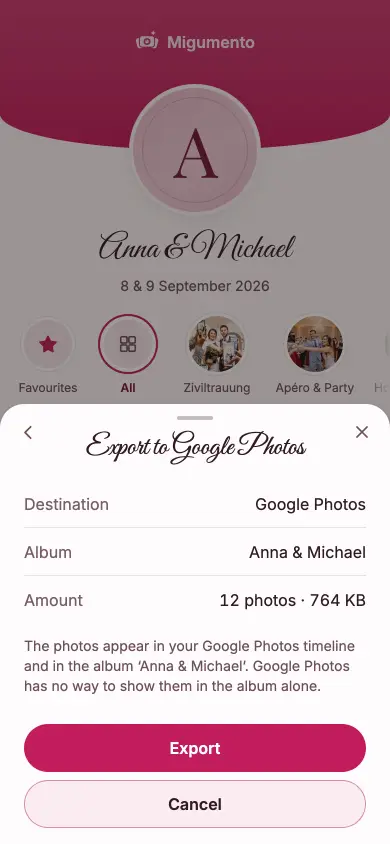
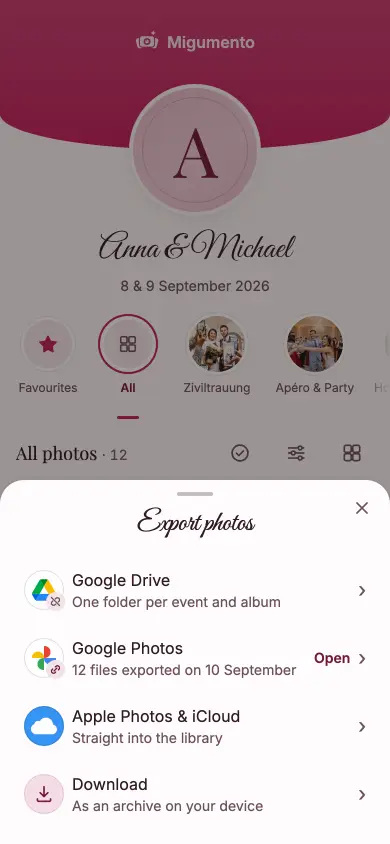
What it looks like afterwards

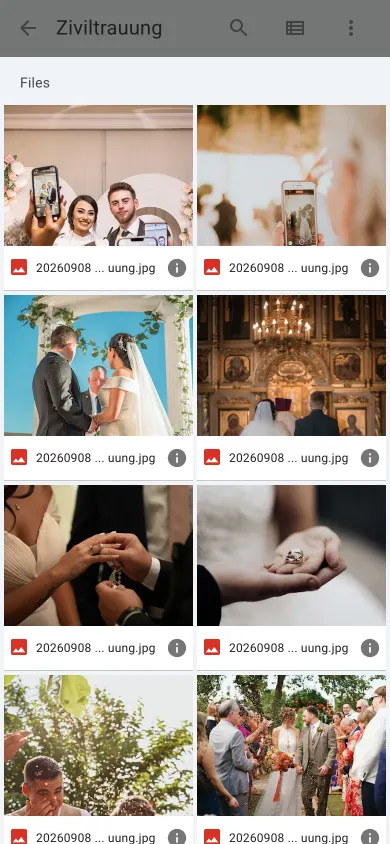
Like Google Photos, with a choice of quality — the files land in a folder in your Drive.
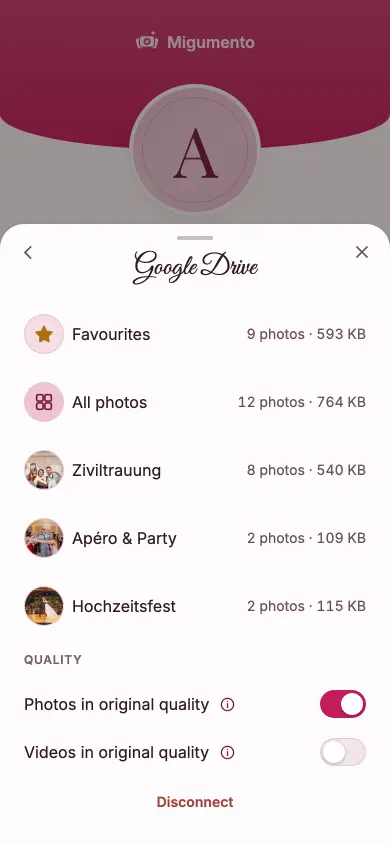
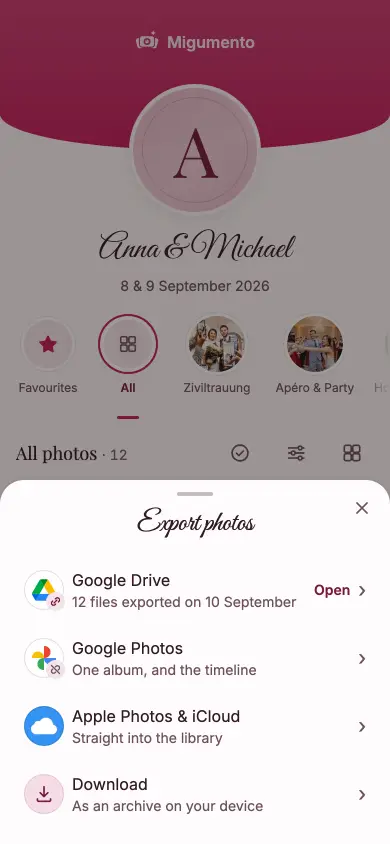
What it looks like afterwards
An archive onto the device in your hand — any phone, tablet or computer.
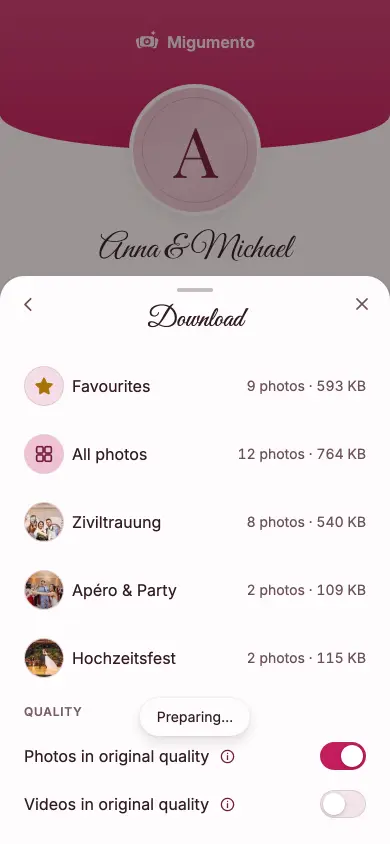
What it looks like afterwards
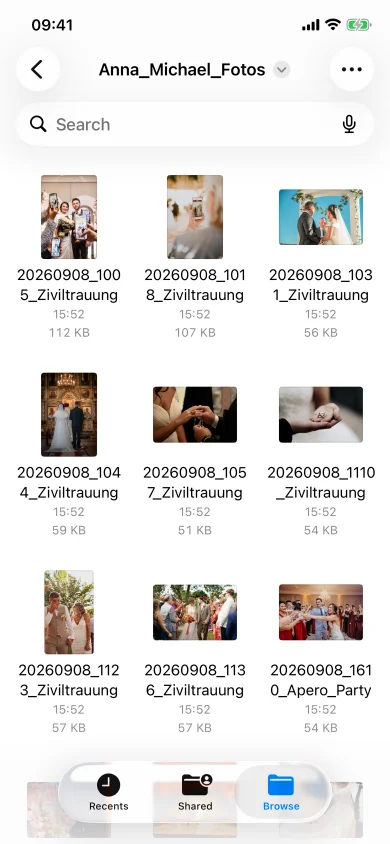
In many apps the photos go in and only come back out one at a time — or via WhatsApp, compressed. Not here.
Photos and videos at full size, not the WhatsApp version. Apple Photos and Google Photos always take the original; for ZIP and Google Drive you can switch.
Anyone who sees the album can export — a first name is enough, no account. Whether guests may download each other’s photos is yours to switch on or off in Manage.
Up to 400 MB of event size, the originals come out free. Bigger celebrations unlock a plan once — no subscription.
Yes — anyone with the album link. A first name is enough; nobody needs an account. In Manage you decide whether guests may download each other’s photos.
Yes. Apple Photos and Google Photos always take the original. For ZIP and Google Drive you can switch per export, say when space on the device is tight.
Through Apple Photos: the iPhone app saves them to an album in Photos, Safari to the library — and iCloud Photos syncs from there. Apple offers no direct route into iCloud, so on Android and Windows a short guide takes the way through the archive.
Not for Google Photos and Google Drive: the export runs on our server, so you can close the page. In the iPhone app, the app stays open until the save is done; Safari needs one tap per part.
Free for 6 months from creation, with a plan 12 or 24 months from the unlock. Within that time you can export whenever you like — more than once, to more than one destination.
Two fields, no account, no card. Collecting is free, and whatever goes in comes back out.